
Home/Member Access
Getting Into The Club
Your membership includes 24/7 access through the Momence app. There are two ways to get set up — watch the video, or follow the written steps. Rather not use a phone? Get a keycard instead.
Video Walkthrough
See the whole thing, from opening the app to unlocking the front door.
Video not playing? Watch it on Loom.
Step-by-Step Directions
Prefer to read along? Two parts: get the app and sign in, then unlock the door.
First Download the app and sign in
Tap the link for your phone to download the Momence app.
Then open the app and sign in with the same email address you used when you joined — that’s what your membership is attached to. Not sure which email we have on file? Ask us.
Then Get in the main entrance
-
Open the Momence app, and under Your Hosts tap on The Club.
-
Near the top of your screen there’s a row of tabs. Tap the one labeled Locks.
-
Beside Main Entrance, tap the Open button.
Your phone may ask to let Momence use your location. Make sure it’s turned on — choose Always Allow or Allow While Using App.
-
A mini-map and a button will pop up. Tap Unlock Now.
The small round light on the left side of the main entrance door turns green — the door is unlocked and you can head in.
Still having trouble? Watch the video or check troubleshooting below.
One Person at a Time
When you come into The Club, enter one person at a time — please don’t hold the door for anyone behind you, even if you know they’re a member. It’s how we keep track of who’s in the building and when.
The rule is there for your safety, and so nobody gets in without paying the same membership fee you do.
How the rule is enforced
Anyone who breaks it will get a warning the first and second time. After that, further violations may mean access to the facility is temporarily taken away.
Secure 24/7 entry
Only active members can unlock the door, at any hour of the day or night.
Cameras throughout
The facility is monitored by security cameras for everyone’s safety.
Everyone unlocks for themselves
Each member opens the door with their own app or keycard.
Prefer a Physical Keycard?
You don’t need a smartphone to be a member here.
Just Ask Us
Give us a call or send a message and we’ll arrange a time to set you up with a physical keycard instead of the app.
Same Access
Your keycard opens the main entrance too, 24 hours a day.
No Tech Required
No app, no login, no smartphone needed. If technology isn’t your thing, this is the easy route.
Pool Area Hours
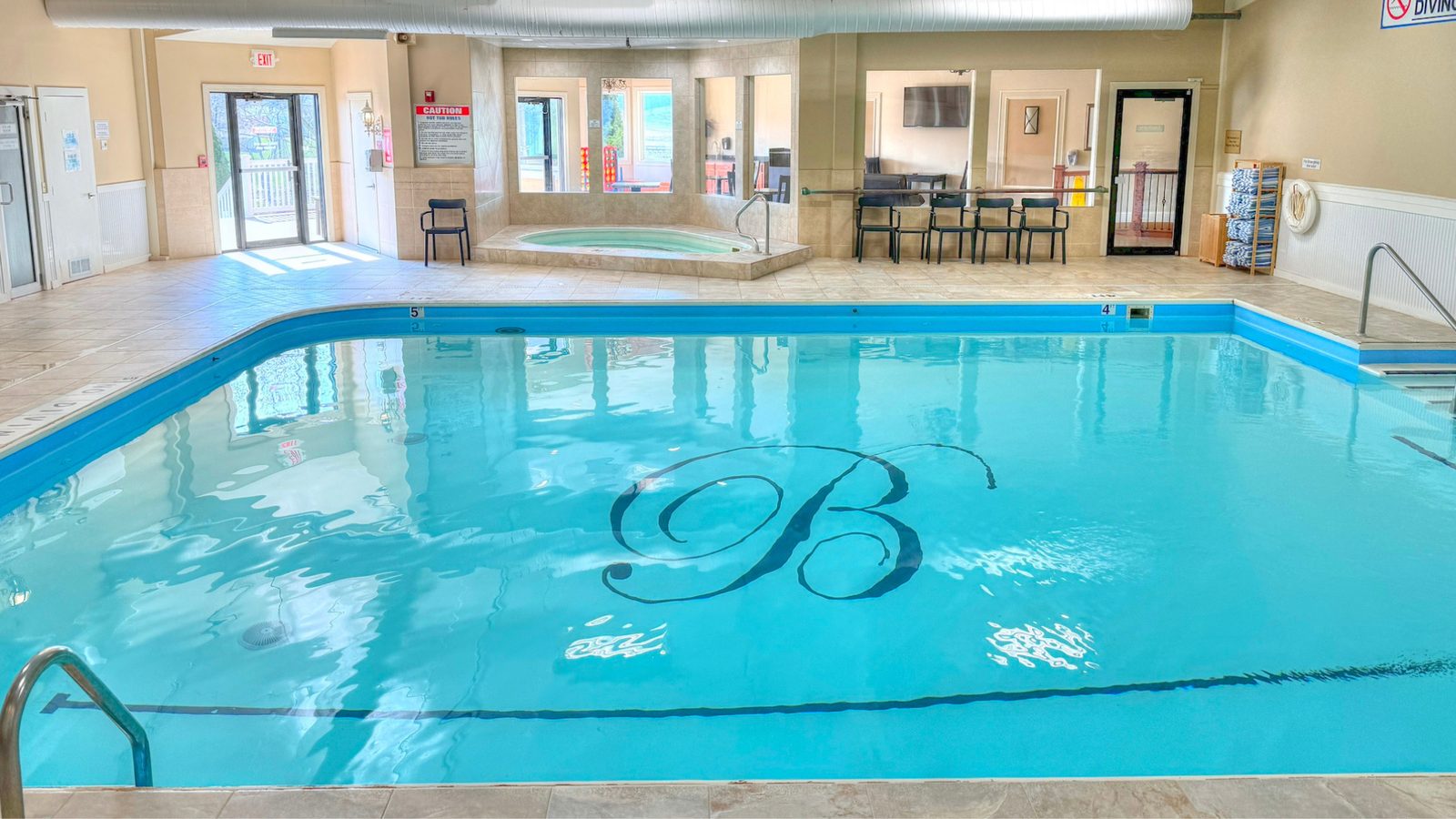
The gym floor is open to members 24 hours a day. The pool area — indoor pool, sauna, cold plunge, and hot tub — has set hours and is not available overnight.
5 AM – 10 PM
Daily. Everything else in the facility stays open 24/7.
Access Troubleshooting
Still Stuck? We’ll Walk You Through It.
Give us a call or send a message — we’re happy to set the app up with you in person.